Thursday, December 11, 2008

Make all versions of XP and Vista "Genuine"[100% Working] Without Downloading any File


++Make all versions of XP and Vista genuine ++ [Tested]

here is the process:- 


Copy the following text in a notepad
_____________________________________________________________________________________


Windows Registry Editor Version 5.00

[HKEY_LOCAL_MACHINE\SOFTWARE\Microsoft\Windows NT\CurrentV
ersion]

"CurrentBuild"="1.511.1 () (Obsolete data - do not use)"
"ProductId"=
"55274-640-1011873-23081"

"DigitalProdu
ctId"=hex:a4,00,00,00,03,00,00,00,35,35,32,37,34,2d,36,34,30,2d,\

31,30,31,31,38,37,33,2d,32,33,30,38,31,00,2e,00,00,00,41,32,32,2d,30,30,30,\

30,31,00,00,00,00,00,00,00,86,56,4e,4c,21,1b,2b,6a,a3,78,8e,8f,98,5c,00,00,\

00,00,00,00,dd,da,47,41,cc,6b,06,00,00,00,00,00,00,00,00,00,00,00,00,00,00,\

00,00,00,00,00,00,00,00,00,00,00,38,31,30,32,36,00,00,00,00,00,00,00,b5,16,\
00,00,83,83,1
f,38,f8,01,00,00,f5,1c,00,00,00,00,00,00,00,00,00,00,00,00,00,\

00,00,00,00,00,00,00,00,00,00,00,00,00,00,00,00,00,66,e5,70,f3

"LicenseInfo"=hex:33,b7,21,c1,e5,e7,cd,4b,fd,7c,c6,35,51,fd,52,57,17,86,3e,18,\

d3,f4,8c,8e,35,32,7b,d1,43,8d,61,38,60,a4,ca,55,c9,9a,35,17,46,7a,4f,91,fc,\

4a,d9,db,64,
5c,c4,e2,0f,3
4,f3,ea

[HKEY_LOCAL_MACHINE\SOFTWARE\Microsoft\Windows NT\CurrentVersion\WPAEvents]

"OOBETimer"=hex:ff,d5,71,d6,8b,6a,8d,6f,d5,33,93,fd


____________
____________
_____________________________________________________________
Save it as License Key.reg
Double-click and confirm "Yes" 


))...THIS IS THE BEST ANY ONE CAN GET YOU THROUGH...((

Friday, December 5, 2008

Download Accelerator Plus 9.0.0.1 Beta (Leaked Today, Specially Available Only Here)


Download Accelerator Plus 9.0.0.1 Beta | 9.73 MB

Download Accelerator Plus (DAP) is the leading download manager with over 160 million registered users worldwide. DAP leverages patented technology, ease of use and rich features including: multi-connections for the fastest downloads from most responsive servers, auto-recovery from lost connections and errors, Always Resume feature (where server-resume is not supported), scheduling, file management tools, privacy and security features, and much more.

DAP integrates with Internet Explorer, Firefox, Netscape and is compatible with Windows Vista. DAP is available in 10 languages including German, Dutch, French, Chinese (traditional), Spanish, Portuguese, Japanese, Russian and Italian.

New features in DAP 8.7 includes an upgraded download window for faster downloads with ease and simplicity, improved management window, the ability to upload and send large files and the SpeedBit Video Accelerator expansions to reduce buffering problems and video "hiccups" from over 100 video sites!

Download Accelerator Plus (DAP) will accelerate the speed with which you can receive files over the Internet using FTP and HTTP protocols by simultaneously downloading several file segments from the same or different servers.

Download Accelerator Plus enables you to pause and resume downloads, and to recover from a dropped Internet connection.

In addition, DAP searches for mirrors and implements the downloads from the best or most responsive mirrors. It is configured by default to automatically Integrate into your Explorer or Netscape browser when it is installed, and to self-activate each time a download is performed.

No further configuration or action is required on your part - simply use your browser to access the desired site, click on the download file, and respond to the self-explanatory DAP dialogs that appear.

Advanced options enable you to tailor the operation and responses of the application to your needs. You can choose to trigger specific responses such as messages, queue update, closing the application, and disconnecting after the download is completed or is not available.

DAP is fully integrated into the browser, providing the best possible performance from ANY Internet connection, broadband and narrowband (cable, DSL / ADSL, T1, dial-up etc.).

DAP will allow you to benefit from a faster and more reliable download experience, optimize your download performance, and help you to recover interrupted downloads. DAP is available in two versions: a Free version (ads supported) and a Premium version (with a richer set of features and no ads.).

What's New in This Release:
? Security check by ZoneAlarm for every site and application you download!
? Tabbed downloading!
? NEW and improved interface!
? New and improved download triggering!
? Automatically open downloaded files!
? Simplified options and updated menus!


Windows 7 Style For Vista


Windows 7 (formerly codenamed Blackcomb and Vienna) is the next release of Microsoft Windows, an operating system produced by Microsoft for use on personal computers, including home and business desktops, laptops, Tablet PCs, and media center PCs.
Also you will notice that this style is very very fast in fact that it doesn't have heavy Shellstyle images, soft shadows etc.

Change log:
-Taskbar buttons
-Stream
-Start menu
-Taskbar images
-Hover images
-Copy-Paste animation
-Start Orb
-more style fixes and more Windows 7 images

To use this style just copy and paste the Windows 7 folder to this location:
C:WindowsResourcesThemes

Then just click on the Windows 7.msstyle and apply the style.


DOWNLOAD

Movie Compressor 4.7 GB to 100 MB Download with Resume Capablity


Install all the Softwares (Download them...all are freewares)……….
1) DivX Create Bundle
2) DVD2AVI
3) DVD Decrypter
4) LAME ACM Codec
5) Virtual Dub

Step (1): Insert your DVD into the drive and launch DVD decrypter. DVD Decrypter will detect the DVD and its file contents will now be displayed in the right pane. Now go to File > Browse and select the destination for the ripped VOB files. Keep in mind that the destination must have enough free space to store the contents of the entire DVD.


Step (2): After choosing the destination, click on File>Decrypt to start the decryption process. DVD Decrypter removes the Macrovision Protection by default, and you can set to remove region code as well by going to Tools > IFO > Region > Patch > Region Free. These are necessary for the next step. After the DVD ripping process is completed, close DVD Decrypter.

Step (3): Next Launch DVD2AVI. Go to File > Open. Make sure the correct track number in the Audio menu is selected. You need to find the correct track number-most DVDs have multiple audio tracks in different languages. This can be checked by selecting one track at a time and playing it. Also click on the Audio menu and navigate to “48>44.1KHz”, and select Off. Go to Help > SIMD Technology and select all the optimizations supported by your processor. Now go to File > Save As AVI.

Step (4): Decide on a file name and choose a location with enough free space. You will now be prompted to choose a video compressor. Choose “DivX 6.x.x” from the drop-down menu where you can select the video compressor.

Step (5): Under the Certification Profiles, you can choose an appropriate preset profile such as High Definition, Home Theatre, Portable, Handheld, and Unconstrained. When you choose one of the above profiles, it is virtually guaranteed that the encoded DivX file will be playable on any standalone DivX-certified player. Click on Settings. You can select a bitrate of your choice. A higher bitrate means a larger file size and better quality, while a lower bitrate means a smaller file size and lower image quality.

Step (6): In the Codec tab, you can set the Encoding mode. The default setting is a good trade-off between quality and compression, but if you wish to control the file size, you can state your own mode such as High Performance, Better Quality, etc. Click on OK and then on save to start the video
demultiplexing process. This will take some time depending on the speed of your computer. At the end of this process, you’ll have an AVI file and a WAV file.

Step (7): We now get to the creation of the DivX file-putting together the video (AVI) and audio (WAV) files that were created in the previous step. Launch Virtual Dub. Under File > Open, browse to the folder where the AVI and WAV files are stored. Select the AVI file and click Open.

Step (8): Click on the Audio menu and click “Full Processing Mode”. Click again on the Audio menu and select “WAV Audio”. You will be prompted to open a WAV file. Select the WAV file you created earlier and click Open. Click on the Audio menu and then on Compression. Select “MPEG Layer-3” from the left pane and then select “128 KBit/s, 48,000Hz, Streo” in the right pane. Click OK.

Step (9): Select Interleaving from the Audio menu. Then, select the “mis” radio button and input “500” into the “Interleave audio every” dialog box. Click OK. Again, in the Audio menu, select Volume. Check the box and move the slider to 200 percent. Click OK.

Step (10): From the Video menu, select Direct Stream Copy.

Step (11): Go to File > Save As. Enter a file name of your choice at a location of your choice, and click at a location of your choice, and click OK. This, again, will take some time, but not as much as the video encoding using DVD2AVI. After the process is complete, you’ll have a DivX backup of ypur DVD movie.
Step (12): All that’s left now is to burn the DivX backup up to CD or DVD using your DVD-Writer.

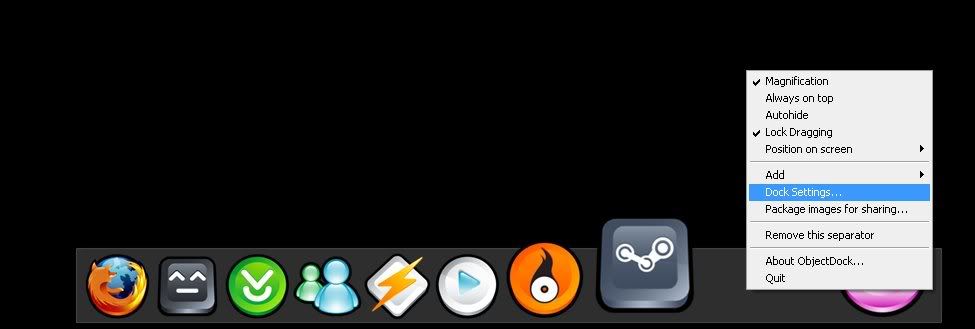
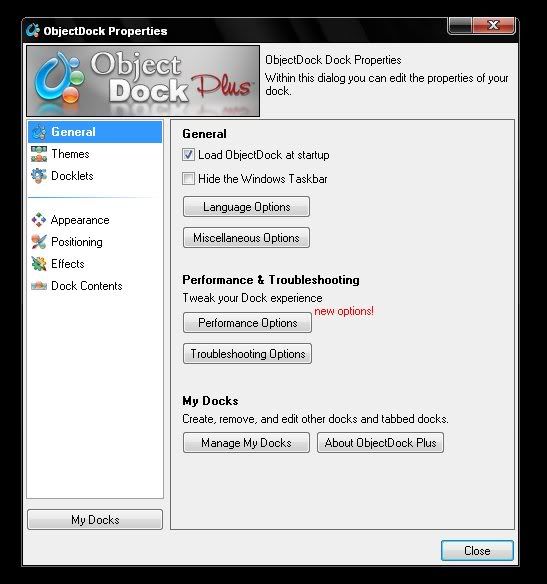
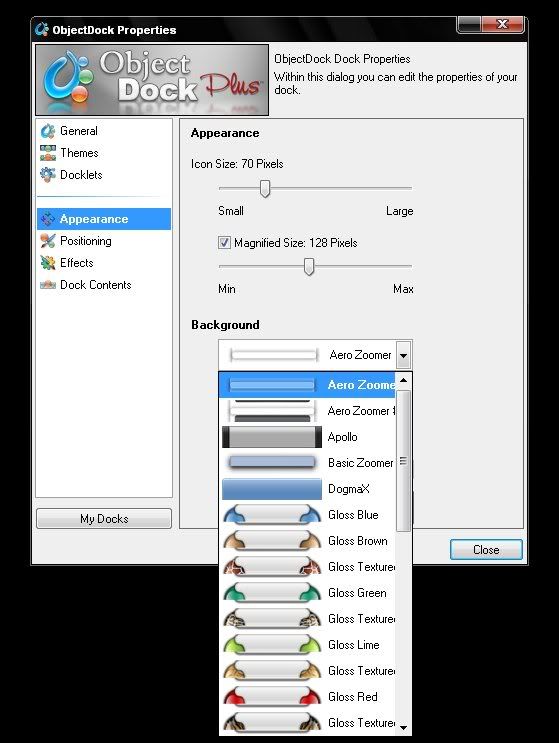
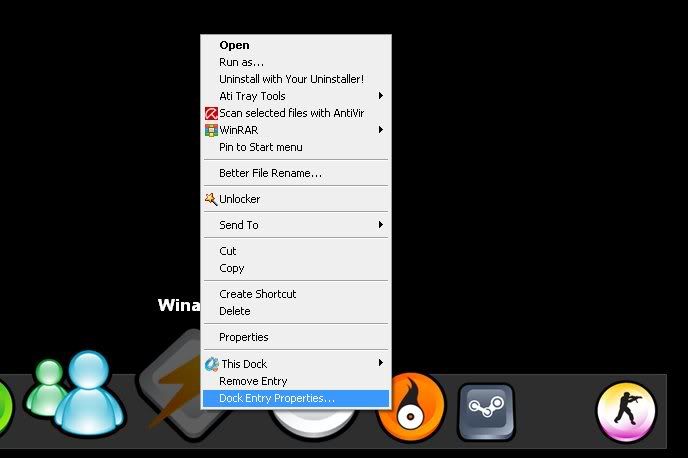
Objectdock Plus v1.90 Final Release

Objectdock Plus v1.90 Final Release 
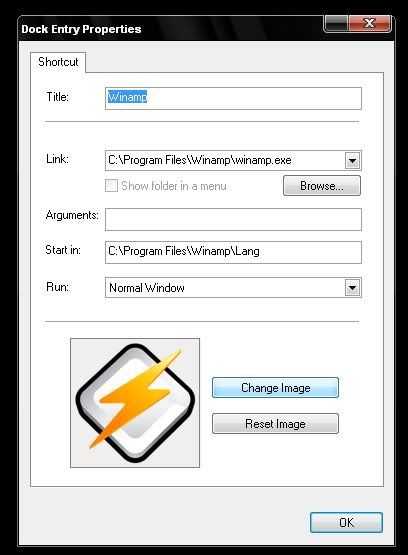
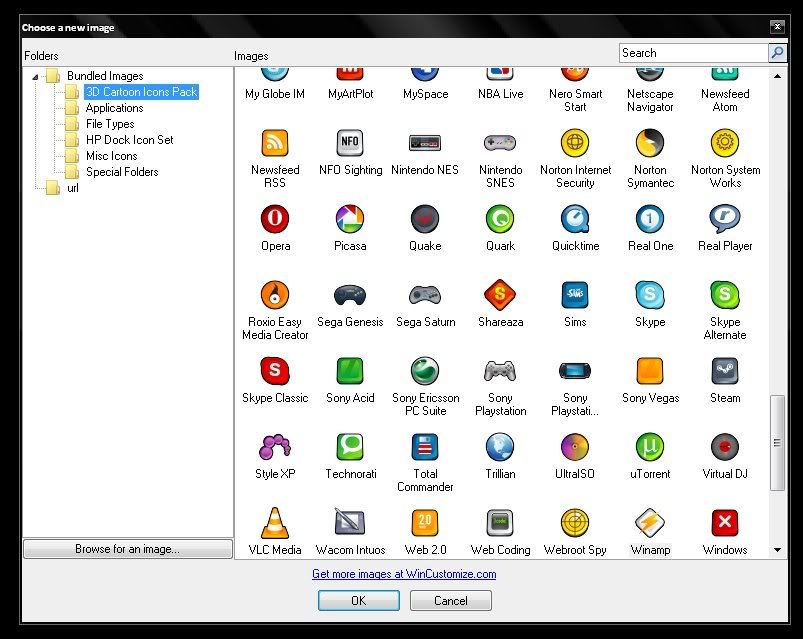
First I'll just give a little bit of intro. on objectdock 

ObjectDock™ is a program that enables users to organize their shortcuts, programs and running tasks into an attractive and fun animated Dock. By allowing users to have more control over how they organize their desktop, users can take control of their desktop icons and shortcuts to have them be available when where and how they need them. This, all with the unique style and top-rate performance that ObjectDock is known to deliver! 

In constant development, ObjectDock Plus is enhanced often to provide the most unique features of any stylized shortcut organizer / launcher available.

Screen Shots:


EarthView 5.7 MB


EarthView v3.9.2 | 5.7 MB

EarthView is a dynamic desktop wallpaper and screen saver, which displays beautiful views of the earth with daylight and night shadows.

It produces stunning colorful, high quality, high resolution images for every screen resolution - even beyond 1600x1200!
The program supports mapand globe views, urban areas,city lights, atmospheric effects, clouds, local time display and much more.

EarthView comes with different maps that show our planet earth in different ways, like photographic or artistic.
Many options allow total customization of all view parameters.
EarthView has won many awards for its absolutely breathtaking images.

Tuesday, December 2, 2008


Autodesk® 3ds Max®9

Overview

Get Precise Visual Feedback and Professional Final Renders
Reveal™ rendering in Autodesk® 3ds Max® software streamlines and accelerates iterative workflows by providing precise control over what is rendered in the Viewport or Framebuffer. Access to a ProMaterials™ library for mental ray® also provides materials for creating real-world design and building surfaces.

Streamline Your Character and Mapping Workflows
With 3ds Max 2009, Biped now offers animators a more efficient workflow for rigging quadrupeds, together with other features that facilitate the character animation process. The release also delivers new UV editing features including a UV spline mapping tool, and enhanced Pelt and Relax toolsets that streamline the UVW unwrap workflow.

Move Data: Quickly and Accurately
With 3ds Max 2009, you get the information you want, the way you want it. Greater OBJ translation fidelity and more import/export options mean more accurate data transfers between 3ds Max and Autodesk® Mudbox™ software or other digital modeling packages. Autodesk 3ds Max 2009 also delivers improved Autodesk FBX® memory management and new import options that support interoperability between 3ds Max and other products such as Autodesk® Maya® and Autodesk® MotionBuilder® software. 


DOWNLOAD LINK Part - 1